
How To Clean Scratched Disk: Quick & Safe Fixes
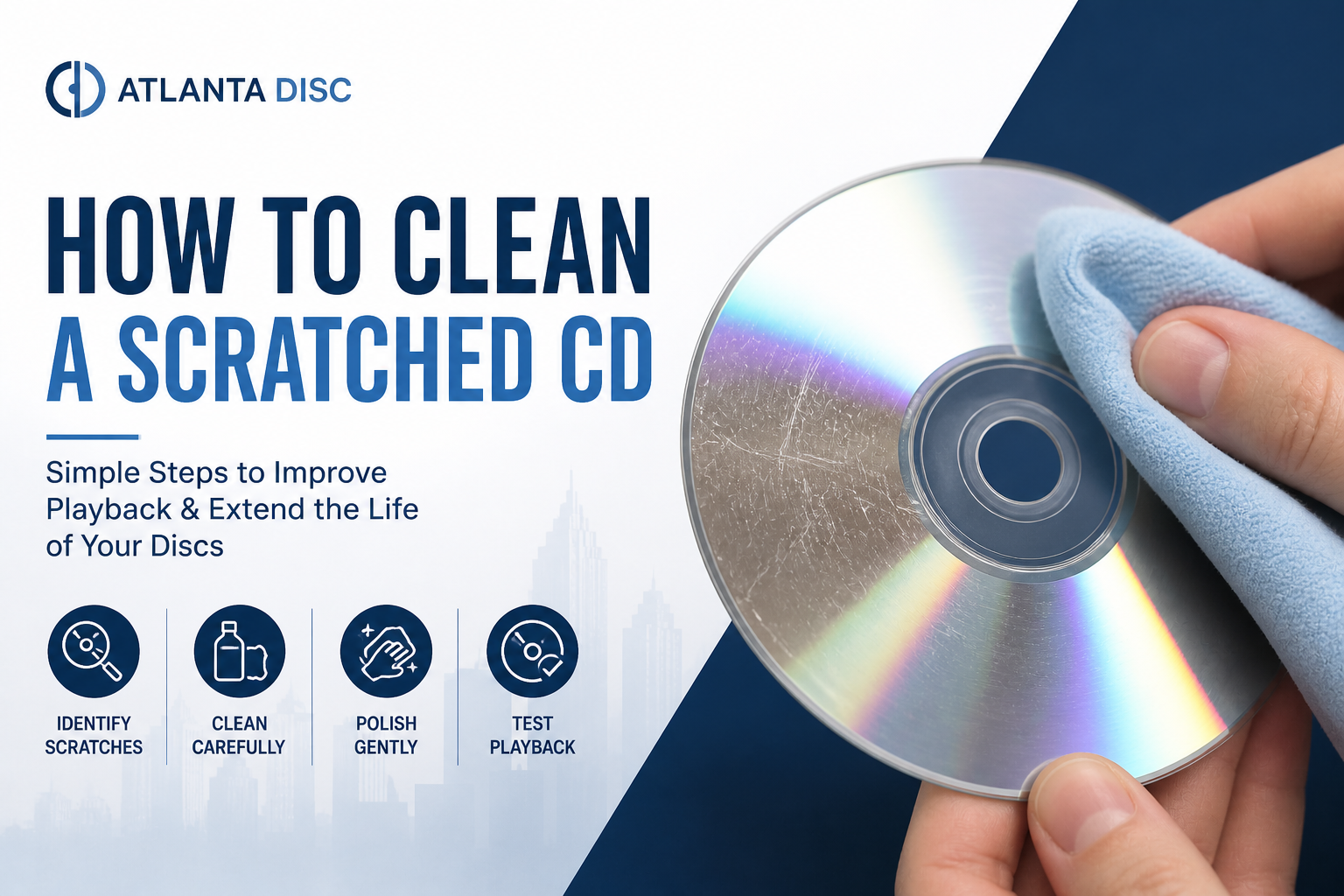
A scratched disc usually shows up at the worst possible time. A DJ loads a burner wallet before a set and finds the one backup copy with a key intro track won’t cue. A band pulls an old reference CD from a drawer because it’s the only version of an unreleased mix, and the drive spits it back out. A church media team grabs last year’s program audio and hears the player hunt, skip, and stall.
That’s when random internet advice gets dangerous. Some scratched discs can be cleaned and brought back. Some can be polished enough to rip one last time. Some are already past the point where home repair makes sense. If the disc matters, the job isn’t just getting it to play once. The job is deciding whether it’s safe to trust again.
Your Essential Guide to Saving Scratched Discs
A working musician doesn’t hear “minor scratch” the same way a casual listener does. A light scuff on a practice copy is one thing. A scratched show disc, a rare promo, or the only surviving master for a small run is a different problem entirely.
The first question is simple. Is the damage on the play side and shallow, or is the disc physically compromised? Surface marks on the clear reading side are sometimes fixable because you’re dealing with the polycarbonate layer. Deep gouges, cracks, warping, or damage to the label side are a different class of failure.
Practical rule: If the disc only matters for nostalgia, experiment carefully. If it matters for a live set, a sermon archive, or a duplication master, be much more conservative.
A lot of bad advice comes from treating every scratch the same way. They’re not the same. Light haze and fine scuffs often respond to gentle polishing. Deep gouges can sometimes be resurfaced, but that’s a last-resort move because every aggressive repair removes material. Once you cross into structural damage, cleaning won’t save it.
Use this guide the way an audio tech would. Start with the least aggressive method. Test after each attempt. Stop before you turn a recoverable disc into a dead one. And if you get the content off, treat that as a recovery win, not proof that the disc is dependable forever.
First-Aid Methods for Light Scratches
A light scratch on a disc you need for rehearsal tonight is one problem. A light scratch on the only CD-R holding your show master is another. Home repair can sometimes get a disc reading again, but for musicians and DJs, the critical question is reliability. If a disc comes back after a gentle polish, use that success to extract the audio and make a fresh copy. Do not assume it is ready for a live set.

Start with cleaning, not polishing
Many discs with “scratch” symptoms are really suffering from fingerprints, dust, sleeve residue, or dried grime. If you polish before removing that contamination, you can grind it into the surface and make the disc worse.
Start with a basic clean:
- Rinse with lukewarm water. Keep the flow gentle. Hot water can deform the disc.
- Use a lint-free microfiber cloth. Wipe in straight radial lines, from the center hole to the outer edge.
- Inspect under a bright light. Fine scuffs and haze are candidates for first-aid polishing. A deep groove or anything you can catch with a fingernail usually needs a different approach.
The toothpaste method that can help
The common toothpaste fix works by lightly polishing the clear plastic surface. It does not fill the scratch. It removes a very small amount of material around shallow marks so the laser sees a cleaner path.
One iFixit scratched CD repair guide describes the standard version of this method: use a pea-sized amount of non-gel white toothpaste, rub in radial motion for a few minutes, avoid water that is too hot, and expect the best results on shallow surface damage rather than deeper defects.
Use this sequence:
- Apply a pea-sized amount to your fingertip or a soft microfiber cloth.
- Rub from center to edge. Follow straight radial lines only.
- Use light pressure. The goal is even polishing across the radius, not hard scrubbing on one spot.
- Work the surface for a short pass, then rinse thoroughly with lukewarm water.
- Buff dry with a clean microfiber cloth, again in straight radial strokes.
- Test the disc immediately. If it reads, back it up right away.
One careful pass is usually enough to tell you whether this method has a chance.
Circular buffing creates scratches that follow the data track, and those are harder for many players to correct in real time.
This technique is important because radial marks cross less of the track path than circular ones. A home deck might recover from that. A CDJ in a booth, a rental player at a venue, or an aging slot-load drive may not be as forgiving.
A quick visual demo helps if you’ve never done this by hand:
What to avoid on light scratches
The wrong product or too much pressure causes more damage than the original scuff.
| Use | Avoid |
|---|---|
| Basic white, non-gel toothpaste | Gel toothpaste |
| Microfiber cloth | Rough paper towels |
| Radial motion | Circular rubbing |
| Light pressure | Aggressive spot scrubbing |
Stop after one or two careful attempts. Repeated polishing removes more material and lowers your margin for error. If the disc finally plays, treat it as a recovery opportunity. Rip it, clone it, or have it professionally reduplicated if it matters for paid work. For a live gig, a freshly verified copy is safer than trusting a disc you had to rescue an hour earlier.
Advanced Techniques for Deeper Gouges
A disc that still skips or fails to mount after light repair is no longer a cleaning job. It is a recovery job. At that point, progressive wet sanding and polishing can sometimes get you one readable pass, but it also removes material from the disc. Use this method only when the disc is already close to unusable and the content matters enough to justify the risk.

What this method is doing
Deep repair does not fill the gouge. It lowers the surrounding polycarbonate until the laser sees a smoother, more consistent surface. That is the same basic principle used by disc resurfacing machines.
The trade-off is simple. Every pass buys you a chance at readability by giving up a little surface thickness.
According to DIY Video Editor’s disc repair guide, the process uses 1500 to 2000 grit wet sanding, then 2500 to 3000 grit, followed by rubbing compound. The same guide reports a high success range on unreadable discs when the process is done correctly, and warns that dry sanding or skipping grit steps sharply raises the chance of failure.
The safest version of a risky process
Slow, even work matters more than pressure.
- Clean the disc first with 99% isopropyl alcohol and a microfiber cloth.
- Wet-sand with 1500 to 2000 grit silicon carbide paper under running water. Use straight radial strokes until the surface looks evenly matte.
- Move to 2500 to 3000 grit. This refines the sanding marks and starts restoring clarity.
- Apply rubbing compound with microfiber or a low-speed pad. Keep the motion radial and controlled.
- Finish with a plastic polish, rinse the disc, and let it air-dry before testing.
A few habits make the difference between a useful recovery attempt and a ruined disc:
- Keep the surface wet the whole time. Heat is a problem.
- Do not jump from coarse sanding to polish. The finer steps remove the scratches left by the previous grit.
- Sand evenly across the disc face. Chasing one bad spot can leave the surface uneven.
- Test for readability, not appearance. A glossy finish can still fail in a picky drive.
If the material matters, the goal is often just one clean rip. Once you recover the audio or data, retire that disc.
For working musicians and DJs, that last point matters more than many home repair guides admit. A repaired disc that plays once in a desktop drive is not automatically trustworthy in a club CDJ, an older car player, or a venue deck with a worn laser. If this disc was your only master, recover it, clone it, and use a freshly verified replacement for any paid set or delivery. In professional use, re-duplication is usually safer than betting a live show on a disc you had to sand back into service.
Common Mistakes That Will Ruin Your Discs
Most ruined discs don’t die from the first scratch. They die from bad repair attempts. Someone reaches for a household cleaner, wipes in circles with a shirt, presses too hard, or tries a gimmick that leaves residue behind.

Do this, not that
- Use microfiber, not rough fabric. Household rags, shirts, and paper towels can add fine scratches fast.
- Use disc-safe materials, not harsh chemicals. Solvents, window cleaners, and oily products can create residue or attack parts of the disc.
- Wipe straight out from the center. Circular cleaning follows the data path and makes read errors more likely.
- Keep the disc flat and cool. Heat and bending can warp or crack it permanently.
Internet myths worth ignoring
Banana peels, peanut butter, random furniture polish, and other kitchen-counter tricks don’t solve the core problem. At best, they smear residue across the surface. At worst, they leave contaminants that make laser reading less stable.
Here’s the simple filter I use. If a method doesn’t involve controlled cleaning, mild abrasive polishing, or purpose-made resurfacing, it probably belongs in the trash with the myth that suggested it.
A disc can look shinier after a bad treatment and still perform worse in an actual player.
That catches people all the time. Cosmetic improvement is not the same as playback reliability.
Knowing When a Scratched Disk Is a Lost Cause
Some discs aren’t scratched in a recoverable way. They’re compromised. Knowing the difference saves time and keeps you from grinding away on a disc that will never become trustworthy again.

Signs the disc is beyond home repair
Watch for these conditions:
- Cracks from the center hub outward
- Visible warping
- Peeling, pinholes, or damage on the label side
- A gouge you can clearly feel with a fingernail
- Repeated read failure after careful low-risk treatment
Label-side damage matters because the reflective layer sits close to the top surface on a CD. If that layer is compromised, polishing the bottom won’t bring the missing data back.
Playback isn’t the same as trust
This is the part many guides skip. A repaired disc may play once in your studio drive and still be the wrong disc to carry to a gig, a sermon, or a car.
The concern is long-term stability. As summarized in the discussion of post-repair reliability for scratched discs, repair methods can reduce thickness and optical clarity, creating micro-structural imbalances. A disc may seem fine after repair but still develop intermittent errors, reduced read speed, or skipping, especially in older players or mobile environments.
That matters a lot for performers. Home and office drives are often forgiving. Older DJ decks, car stereos, and portable players can be far less tolerant.
A practical decision test
Use this quick standard before you trust the disc again:
| If the disc is for | Best decision |
|---|---|
| Casual listening | Test it and keep it if it behaves consistently |
| One-time data recovery | Rip it immediately, then retire it |
| Live performance or ministry use | Don’t rely on the repaired copy as your only playback source |
| Duplication master | Use a clean backup or make a new master instead |
If the repaired disc holds mission-critical audio, treat successful playback as proof you should back it up now, not proof the problem is solved.
That’s the professional line. “It worked once” isn’t enough for stage use.
Proactive Disc Care and Your Backup Strategy
The best answer to how to clean scratched disk problems is preventing them in the first place. Handle discs by the edges. Put them back in cases immediately. Don’t stack them loose in glove boxes, backpacks, or road cases where grit and pressure do the damage.
For artists, DJs, churches, and small studios, the bigger move is a backup habit. Rip important discs to a lossless format such as WAV or FLAC and store copies in more than one place. If a physical disc is the only version of your material, you’re one scratch away from a very stressful day.
A repaired disc can still be useful. It can help you recover a track list, save a sermon archive, or pull a clean rip from an old mix CD. But once the content is safe, stop treating that repaired disc like a dependable master. For anything performance-ready, make a fresh copy from a clean digital source instead of trusting a disc that already needed surgery.
That approach is less dramatic than a DIY rescue, but it’s what holds up in practice. Clean the disc carefully. Recover what you can. Then replace uncertainty with a stable backup and a fresh duplicate.
If you need clean, dependable replacement discs from a solid master, Atlanta Disc is a practical option for short-run duplication and printing. They work with artists, DJs, churches, and indie labels that need performance-ready copies without the guesswork of using a repaired master as the final source.